So are you finding it difficult to differentiate among CSS layouts!?Or how's it different from visibility CSS property!?If yes,then this blog will definately and certainly help you to understand that what's the basic difference among diffferent CSS layouts.
So the display property is used to specify how an element should be displayedand the syntax for CSS display property is:
Property: Value;
Now let's see some commonly used display properties and let's check out what's the difference between them.
display: inline;
->display an element as an inline element.
->any height and width property have no effect.
->an inline element does not start on a new line and takes up only as much width as necessary.For example:
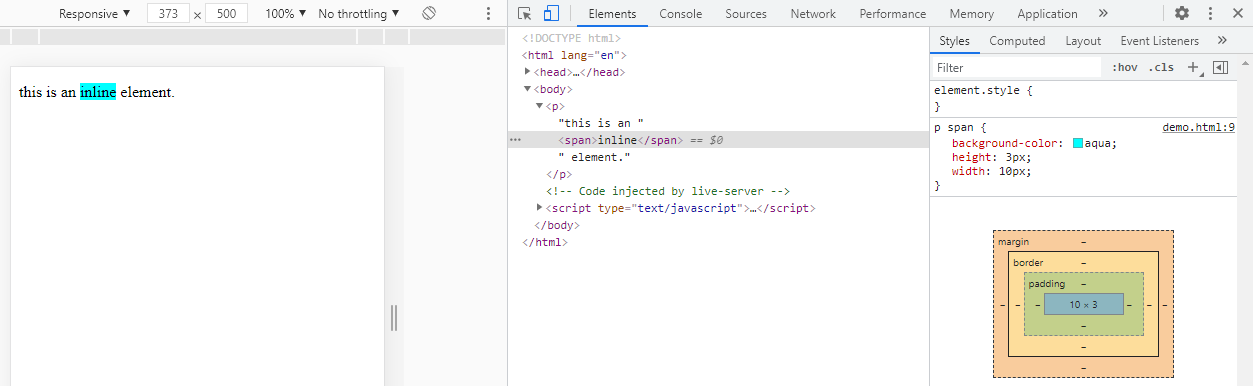
The image below shows an inline element "span".And since it's a inline element,it won't have any effect of height and width property on it.
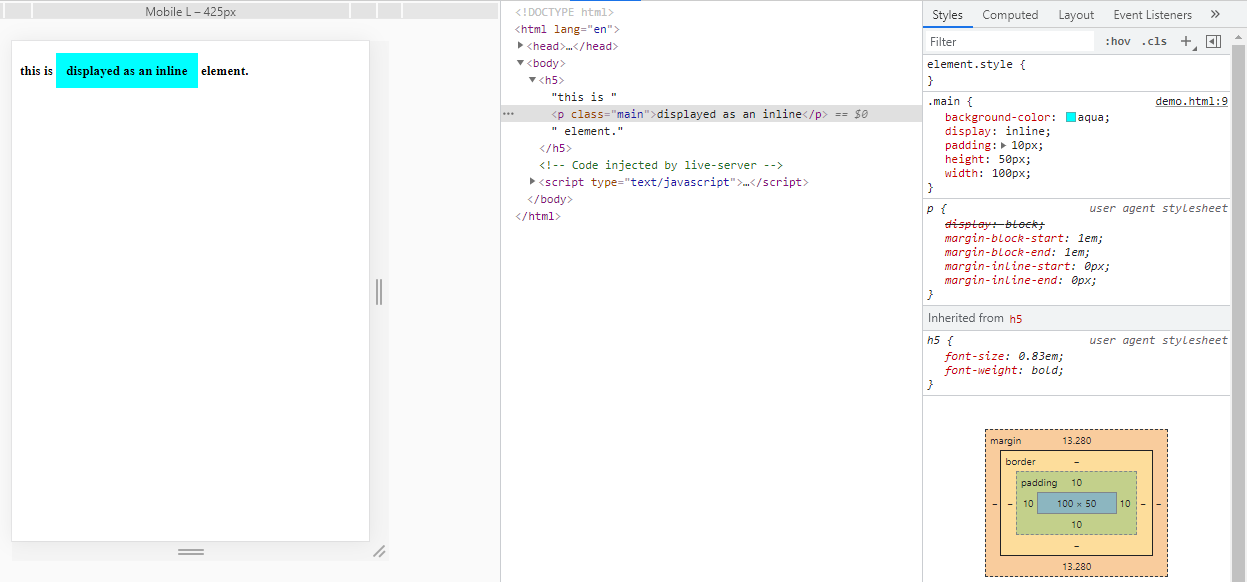
The image below shows an "p" element.In html every element has a default value.However,you can override this value by changing the display value.Here the block display is overridden by inline.And since it's declared as an inline, it won't have any effect of height and width on it.
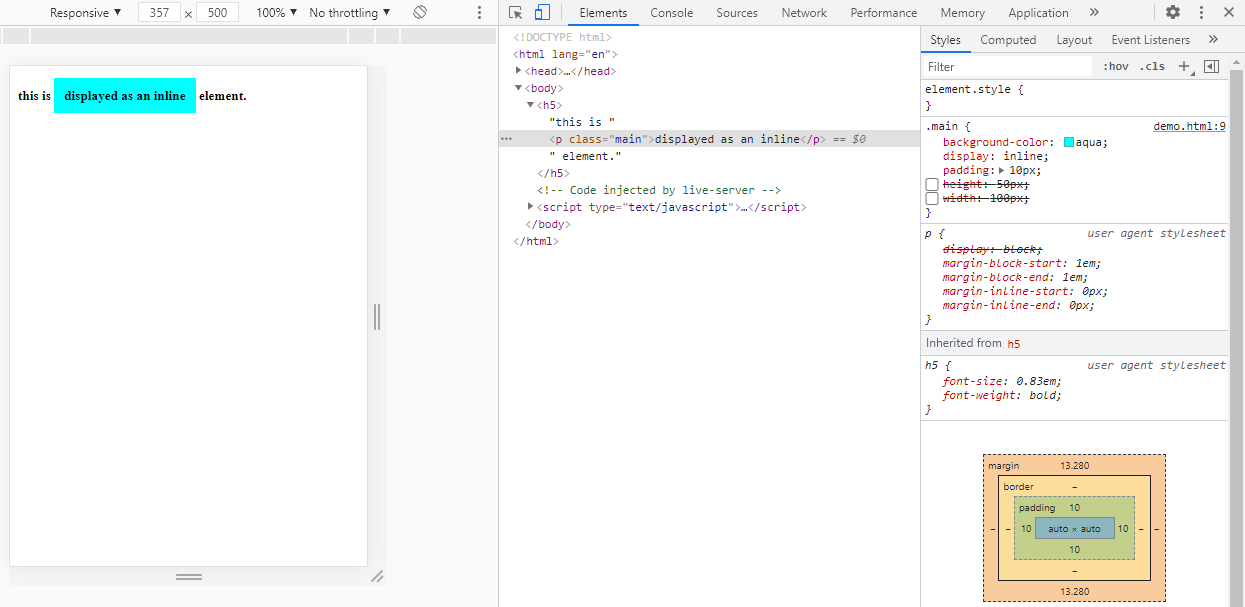
The image below is to show you that after removing th height and width property from the above example, the layout remains same.Hence,it's a proof that height and width property shows no effect on an inline element.
display: block;
->display an element as a block element.
->starts up on a new line and takes up to the whole width available.For example:
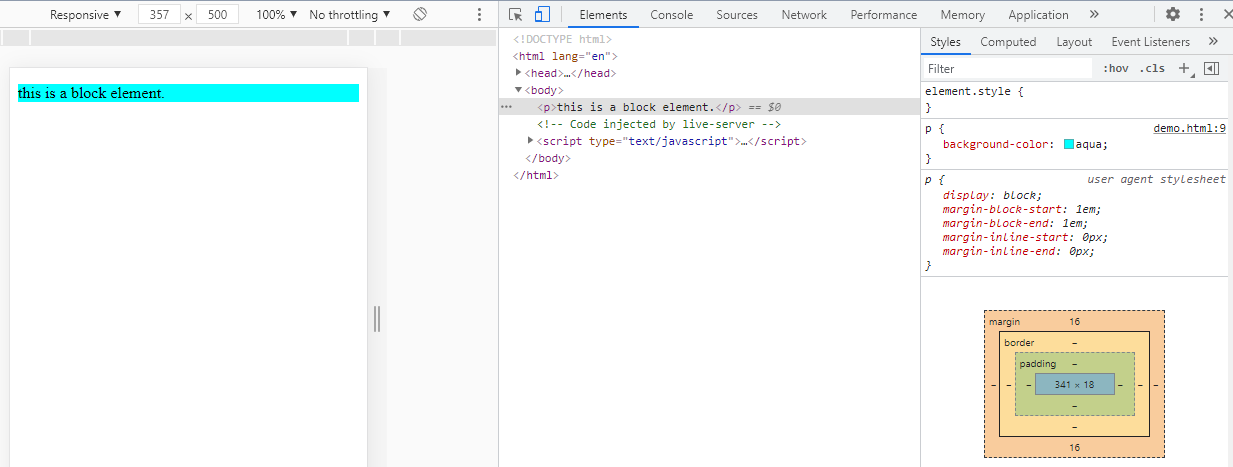
The image below shows a block element "p".And since it's a block element, it takes up to the whole width.
display: inline-block;
->displays an element as an inline level block container.
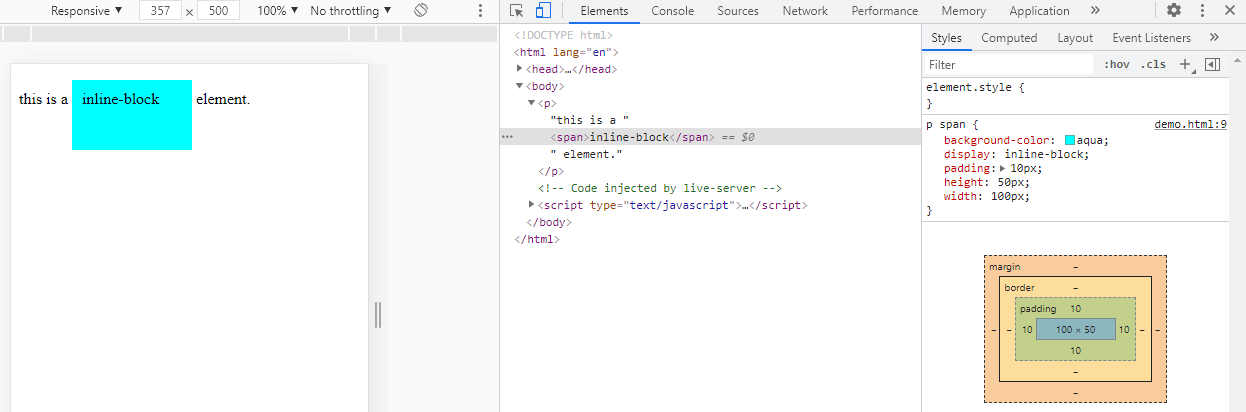
->the element itself is formatted as an inline element,but you can apply height and width.
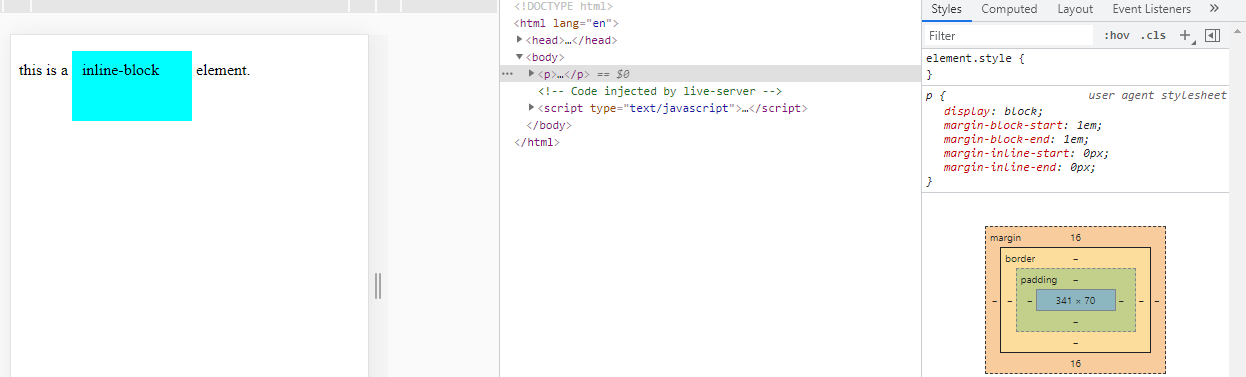
The images below show how a block element is overridden as inline-block element.And since it's declared as an inline-block,therefore you can apply height and width to it.
display: none;
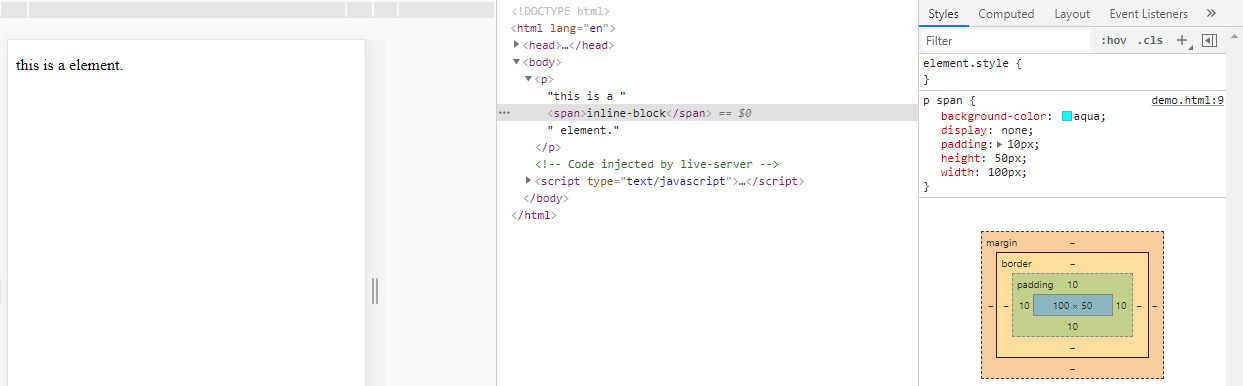
->removes the entire element from the page.
->removes an element from the document and hides it from view.
Note:Every HTML element has a default display value which could be either block or inline.However, you can override this by changing the display value.
Now most of the people gets confused between display and visibility property.
display: none; v/s visibility: hidden;
Hiding an element can be done by using the display property to none.The display:none; removes an element from the document and hides it from the view.The element will be hidden and the page will be displayed as if the element is not there.
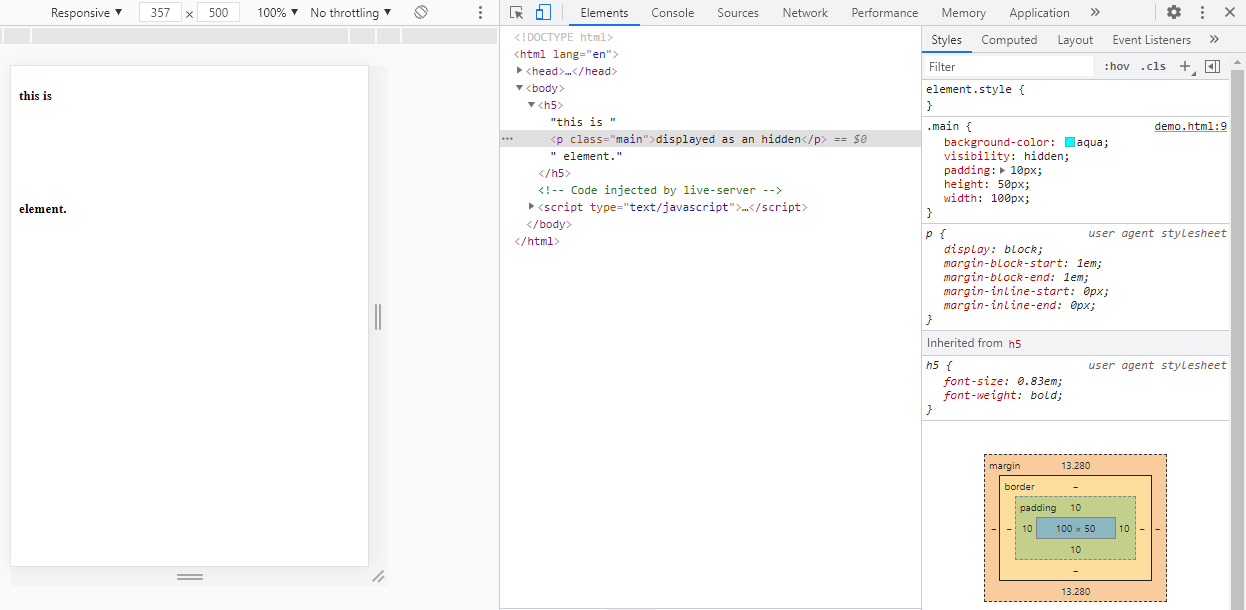
The visibility hidden also hides the element.The visibility: hidden; rule hides an element on a document and leaves the space in which the element would have appeared empty.The element will still take up the same space as before or more precisely to say, the element will be hidden,but will still affect the layout.
Made by Namrata Jain © Copyright